

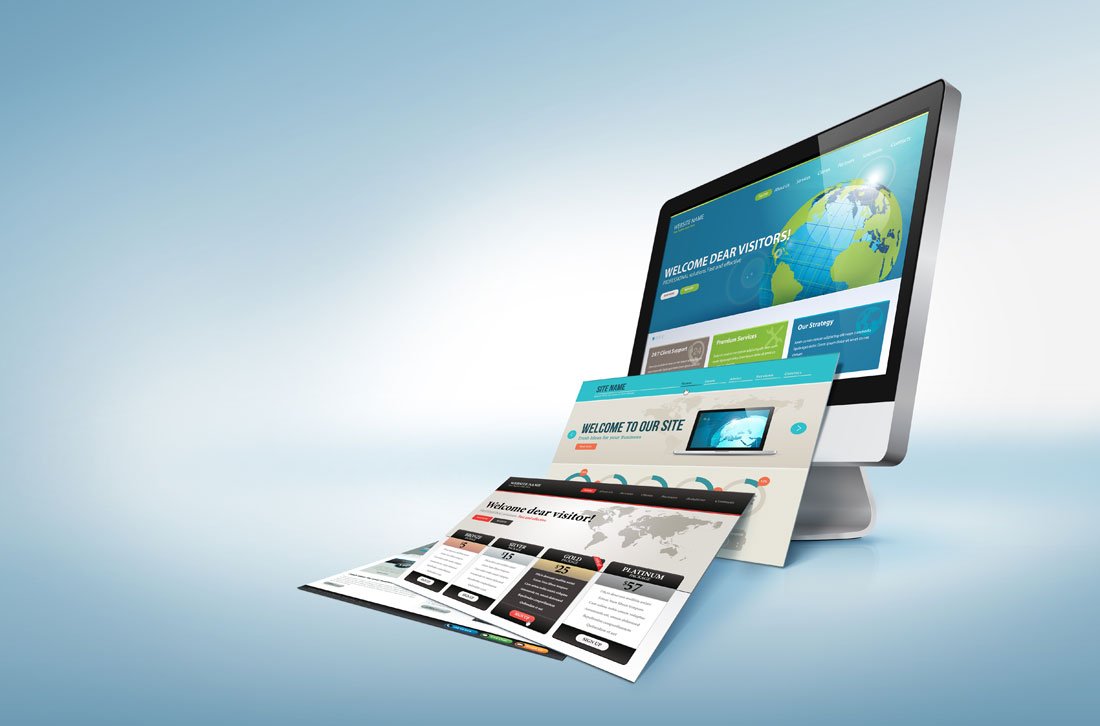
Choose a theme that fits your goals, loads fast, and stays secure.
I have built and optimized dozens of WordPress sites for blogs, businesses, and shops. This guide shows how to find the best WordPress theme with clear steps, checks, and real-world tips. Read on to learn a practical process that saves time and avoids common pitfalls.
 display: block; margin: 0 auto;”
loading=”lazy”
/>
Why the right theme matters
A theme shapes your site’s look, speed, and user trust. It affects SEO, mobile display, and how easy edits feel. Picking poorly can cause slow pages, plugin conflicts, and extra costs. Knowing how to find the best WordPress theme helps you avoid those problems and build a strong site foundation.

Define your goals and needs
Start by listing what your site must do. Note your content type, required plugins, and layout needs. Decide if you need eCommerce, a blog, portfolio, or membership features. This clarity makes it easier to compare themes and find one that fits.

Key features to look for
Focus on features that matter for long-term success. Look for these essentials:
- Fast load times and clean code that reduce bounce rates.
- Responsive design that works well on phones and tablets.
- Compatibility with popular plugins like page builders and SEO tools.
- Accessibility support for users with disabilities.
- Regular updates and a clear changelog.
These items directly affect how to find the best WordPress theme for real use.

Design and user experience
Choose a theme with simple, clear design templates. Clean typography and consistent spacing improve readability. Make sure header, footer, and navigation options match your goals. Test demo layouts on mobile to confirm the user journey feels natural.

Performance and SEO considerations
Performance impacts rankings and conversions. Pick themes that avoid heavy scripts and bulky features. Check demo speed using basic tools and look for themes built with performance in mind. Good themes also use proper HTML structure and schema markup to help SEO. This is key when you learn how to find the best WordPress theme.

Compatibility and support
A theme must play well with plugins and WordPress core. Verify compatibility with major page builders and WooCommerce if needed. Check the developer’s support reputation and response times. Good documentation and community forums reduce setup friction and future headaches.
Security and updates
Security is non negotiable. Prefer themes with a clear update policy and frequent patches. Avoid themes from unknown marketplaces with obscure authors. Confirm the theme author responds to reported issues and follows WordPress security practices. This protects your site and visitors.

Customization and page builders
Decide how much customization you need. Some themes work seamlessly with block editor tools. Others pair with popular page builders for drag and drop control. Balance flexibility with simplicity. Overly complex themes can slow your site and create maintenance work.
Pricing and licensing
Compare free and premium options carefully. Free themes can work well for simple sites. Premium themes often include support, demo content, and extra layouts. Check licensing terms if you plan to redistribute designs. Budget for future renewal fees for updates and support.
Testing and evaluation process
Use a step by step test plan to choose confidently. Try these steps:
- Install theme on a staging site and import demo content.
- Run speed checks on a sample page.
- Test key plugins and eCommerce flows.
- Review mobile layout and accessibility basics.
- Evaluate support response with a small pre-sale question.
This hands-on testing helps you learn how to find the best WordPress theme before going live.
Personal tips and mistakes to avoid
I once picked a visually stunning theme that had poor update practices. It led to plugin conflicts and slow fixes. From that experience I now always check update frequency and support channels first. Other tips I use:
- Favor lightweight themes over feature-packed ones.
- Avoid themes that bundle outdated plugins.
- Keep child themes in place for safe customization.
These habits will save time and reduce stress when choosing a theme.
How to maintain your theme long term
A good theme needs care. Keep WordPress, theme, and plugins updated. Test major updates on a staging site before applying them to live sites. Back up regularly and monitor site speed and errors. These steps ensure your chosen theme continues to serve your goals well and reflect how to find the best WordPress theme with longevity in mind.
Frequently Asked Questions of how to find the best wordpress theme
How do I start when choosing a theme?
Start by listing your site goals and required features. Then filter themes by performance, support, and compatibility.
Can I switch themes later without losing content?
Yes. Content usually stays, but layouts and custom settings may change. Test a switch on a staging site first.
Are premium themes worth the cost?
Often yes for support, demos, and updates. Choose a reputable developer with regular maintenance.
How important is mobile design in a theme?
Very important. Most traffic is mobile. A responsive theme improves user experience and SEO.
What tools help test theme performance?
Use simple speed checks and plugin conflict tests on a staging site. Test page load time and mobile layout.
Conclusion
Finding the best theme is a mix of clear goals, careful testing, and wise trade offs. Follow the practical steps here to pick a theme that is fast, secure, and easy to manage. Start by testing a shortlist on a staging site, check support practices, and prioritize long term maintenance. Take action now: test one theme this week, or leave a comment with your site needs so you can get targeted advice.


