

Banner software is a platform for creating, managing, and displaying digital banners across channels.
As a longtime digital marketer and product manager, I will explain what is banner software and why it matters to your campaigns, websites, and in-store screens. This article breaks down how banner software works, the key types and features, selection criteria, and practical steps to implement it. I blend hands-on experience, tested best practices, and concise technical insight so you can choose and use banner software with confidence.

What is banner software?
Banner software is a tool that helps teams design, deliver, and track banner ads and display creative. It ranges from simple banner builders to full ad servers that handle targeting, rotation, and reporting. When people ask what is banner software, they often mean any system that automates banner creation, scheduling, and measurement.
Banner software centralizes creative assets, templates, and campaign rules. It makes it easier to scale banner production and ensure consistent branding across sites and screens. For teams that run many campaigns, banner software cuts manual work and reduces errors.
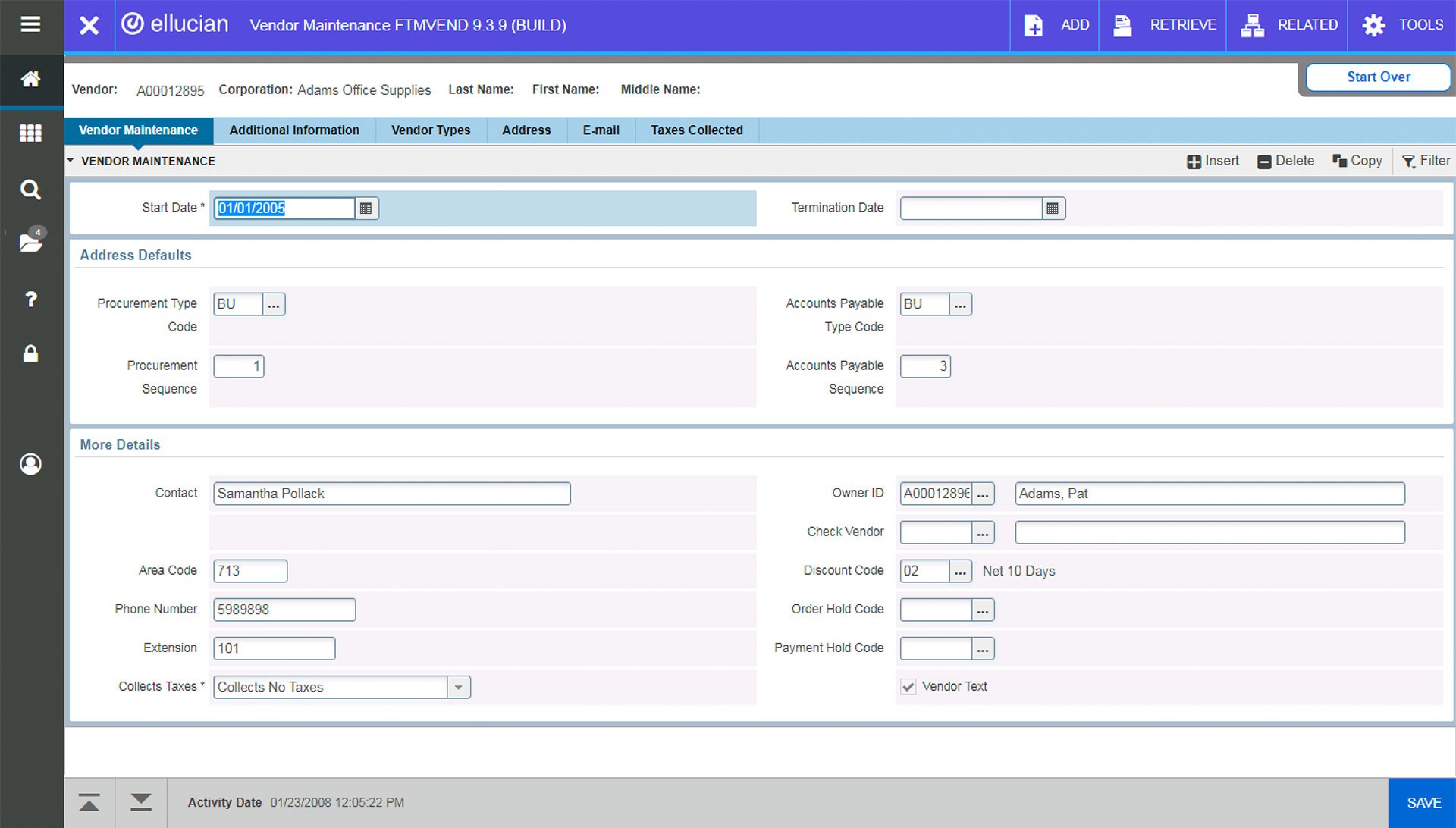
Types of banner software
Banner software comes in several forms. Each type solves different problems.
- Creative builders – Tools focused on designing static or animated banners using templates and drag-and-drop editors.
- Ad servers – Platforms that host banners, handle impressions, rotations, targeting, and deliver analytics.
- HTML5 banner builders – Software that outputs lightweight, responsive HTML5 banners for modern browsers.
- CMS and plugin tools – Add-ons for website platforms that let editors place and schedule banners easily.
- Digital signage managers – Systems that control banners and visual ads on physical screens in stores or public spaces.
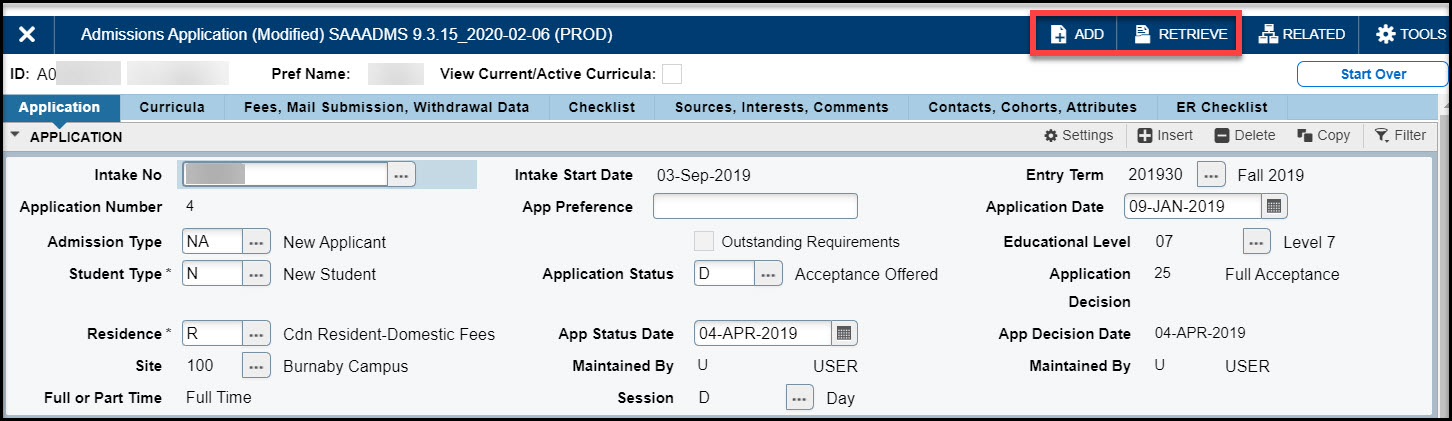
Key features and capabilities
Understanding core features helps you match a product to your needs.
- Template libraries – Prebuilt layouts for fast design and brand consistency.
- Responsive output – Banners that resize and adapt to screen sizes automatically.
- Animation and interactivity – Support for HTML5 animations, click actions, and media.
- Targeting and scheduling – Rules for who sees which banner and when.
- A/B testing and optimization – Tools to compare variants and improve performance.
- Reporting and analytics – Metrics like impressions, clicks, CTR, viewability, and conversions.
- Asset management – Central storage for images, fonts, and versions.

Benefits of using banner software
Banner software delivers clear operational and performance gains.
- Faster production – Teams create banners in minutes using templates.
- Better consistency – Brand rules and templates prevent off-brand creative.
- Smarter targeting – Ad servers and platforms reach the right audience segments.
- Improved measurement – Built-in analytics show what works and what does not.
- Cost efficiency – Less manual work and fewer version errors reduce wasted spend.
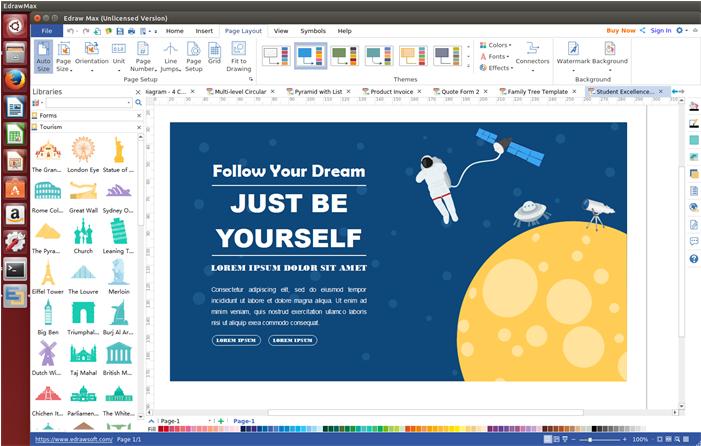
How to choose banner software
Choose a solution that matches your goals, team size, and channels.
- Define your needs
- List the channels you use: web, mobile, email, DOOH.
- Decide if you need an ad server or just a creative builder.
- Evaluate features
- Check for responsive output and analytics.
- Look for template support and asset management.
- Consider integrations
* Ensure it connects with your CMS, ad stacks, and analytics tools. - Test performance
- Use free trials or pilots to test load speed and usability.
- Price vs value
- Compare licensing, usage fees, and support costs to expected efficiency gains.
Implementation and best practices
A smooth rollout keeps teams productive and banners effective.
- Start small – Pilot on one campaign to validate the workflow.
- Build templates – Create brand-safe templates for common sizes and messages.
- Automate where possible – Use rules for rotation and targeting to reduce manual work.
- Monitor performance – Track CTR, viewability, and conversions from day one.
- Train teams – Provide short guides and demos for designers and marketers.
- Maintain assets – Archive old banners and update templates as brand evolves.
Use cases and real-world examples
Banner software fits many scenarios. Here are common uses with real insights.
- Programmatic ad campaigns – Use ad servers to manage dynamic creative and audience targeting. From experience, automating creative swaps cut manual updates by 70%.
- Seasonal promotions – Template systems let you change messages quickly across hundreds of pages.
- Local store screens – Digital signage managers schedule in-store banners by time of day to drive foot traffic.
- Cross-channel branding – A single asset library ensures visual consistency across email, web, and mobile.
A practical example from my work: we switched from manual JPG uploads to an HTML5 banner builder and ad server. Production time dropped, and CTR improved after we implemented simple A/B tests. The main lesson: invest in templates and measurement early.
Frequently Asked Questions of what is banner software
What is banner software used for?
Banner software is used to create, host, schedule, and measure banners for digital channels. It streamlines production and improves campaign targeting and reporting.
Do I need coding skills to use banner software?
Many banner builders require no code thanks to drag-and-drop editors. Ad servers and advanced HTML5 builders may need basic coding for custom interactivity.
Can banner software improve ad performance?
Yes. Banner software enables A/B testing, targeting, and optimization, which typically improves CTR and conversion rates over manual methods.
Is HTML5 important in banner software?
HTML5 is important for modern, responsive, and animated banners. It offers better browser support and performance than old Flash-based formats.
How much does banner software cost?
Costs vary widely by feature set and scale. Expect subscription pricing for builders and usage or impression-based fees for ad servers. Trial periods help judge ROI.
Can banner software serve banners to physical displays?
Yes. Digital signage managers and some ad servers support DOOH and in-store displays with scheduling and remote updates.
Conclusion
Banner software is the backbone for efficient banner creation, delivery, and measurement across digital and physical channels. Choosing the right product and establishing clear templates, automation rules, and measurement practices leads to faster production and better campaign results. Start with a pilot, prioritize responsive templates, and track results to scale with confidence. Explore options, run a short trial, and apply what you learn to improve your next campaign—then share your results or questions below to keep the conversation going.


