


Best tool: A hybrid RPA-plus-AI platform such as UiPath or Automation Anywhere fits most enterprises.
I have led multiple automation programs in large firms. I know what works and what fails. This article explains what’s the best tool for enterprise automation with clear criteria, comparisons, and hands-on tips to help you pick and deploy the right solution.
Why enterprise automation matters now
Enterprise automation cuts cost and frees teams to focus on higher value work. It reduces errors and speeds up processes. Choosing the right tool lets you scale automation across IT, finance, HR, and customer service while maintaining governance and security.
Key criteria to evaluate when choosing an automation tool
Start with clear criteria. Use each item below as a decision filter.
- Scalability — Can the tool handle thousands of bots and many users?
- Security and compliance — Does it offer role-based access, encryption, and audit logs?
- Integration reach — Are connectors available for ERPs, cloud apps, and legacy systems?
- Low-code / pro-code balance — Can both business users and developers build automation?
- Observability and analytics — Does it provide monitoring and ROI tracking?
- Cost of ownership — Consider licenses, infrastructure, training, and support.
- Vendor support and ecosystem — Check partner networks, certifications, and marketplace assets.
Use these criteria to decide what’s the best tool for enterprise automation for your org.
Top enterprise automation tools compared
Below I compare leading platforms and how they fit common enterprise needs. Each short note reflects real-world strengths and trade-offs.
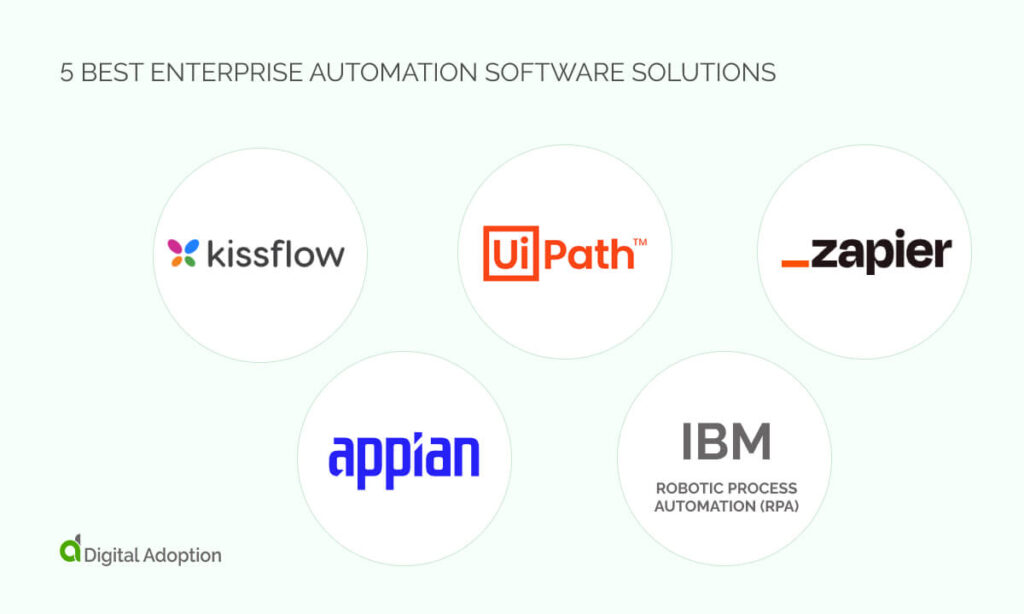
UiPath
UiPath excels at large-scale RPA with native AI features. It offers a visual studio, cloud and on-prem options, and a rich marketplace. Enterprises like its governance, scalability, and active training ecosystem.
Automation Anywhere
Automation Anywhere balances RPA with cognitive automation. It has strong attended automation and enterprise security controls. It scales well for finance and customer operations.
Blue Prism
Blue Prism focuses on secure, resilient unattended automation. It fits strict governance environments and integrates with cognitive services. Blue Prism often appeals to regulated industries.
Microsoft Power Automate
Power Automate works well when your stack is Microsoft-heavy. It provides low-code builders, desktop automation, and tight Teams and Office 365 integration. It is cost-effective for existing Microsoft customers.
ServiceNow Workflow and IntegrationHub
ServiceNow adds automation directly into IT and service workflows. It is ideal when you want automation embedded with ITSM and enterprise service processes. It centralizes change, incident, and request automation.
Integration platforms (Workato, Make)
These platforms focus on cloud-to-cloud and app-to-app automation. They are strong in SaaS integrations and fast prototyping. Use them for cross-application automation and API orchestration.
When deciding what’s the best tool for enterprise automation, map use cases to each platform’s strengths.
How to choose the best tool for your company — practical framework
Follow a simple, repeatable process to pick tools. Keep steps short and actionable.
- Define high-value use cases and expected ROI.
- Map technical needs: connectors, data residency, and scalability.
- Run vendor POCs on representative processes.
- Evaluate governance: audit, roles, and change control.
- Assess total cost of ownership over 3–5 years.
- Check skills: can your team build, operate, and maintain automations?
- Decide on a center of excellence model and rollout plan.
This framework helps you test what’s the best tool for enterprise automation against real needs.
Personal experience and lessons learned
I deployed automation in finance and HR across three enterprises. Small wins built trust. I learned these lessons the hard way.
- Start with a handful of trusted processes and measure results.
- Avoid tool-hopping; stabilize on one core platform first.
- Invest in training and a center of excellence early.
- Plan for maintenance; bots need updates after app changes.
If you ask me what’s the best tool for enterprise automation, I will say choose one that fits your people, apps, and governance.
Implementation best practices and common pitfalls
A smooth rollout needs clear change management and good tech design. These steps make adoption fast and reliable.
- Build a governance model with clear roles and controls.
- Document processes before automating; automation should mirror best practice.
- Design for resilience: retry logic, exception handling, and monitoring.
- Automate incrementally and measure business KPIs continuously.
- Avoid over-automation: not every task benefits from a bot.
Common pitfalls to avoid:
- Picking a trending tool without a proof-of-concept.
- Underestimating maintenance effort and versioning.
- Ignoring security and data privacy needs when scaling.
These practices will help you implement the tool you chose as the best for enterprise automation.
Frequently Asked Questions of what’s the best tool for enterprise automation
What is the single best tool for enterprise automation?
There is no one-size-fits-all. The best tool depends on your tech stack, compliance needs, and scale. Run a proof-of-concept to validate fit.
How do I decide between RPA and integration platforms?
Choose RPA for screen-based legacy systems and integration platforms for API-first cloud apps. Many enterprises use both together.
Can a single vendor cover all automation needs?
Some vendors try to, but most enterprises adopt a hybrid stack. Focus on interoperability and governance when you combine tools.
How long does automation deliver measurable ROI?
You can see small ROI in weeks for transactional processes. Enterprise-scale ROI often takes 6–18 months, depending on complexity.
What skills does my team need to operate enterprise automation?
You need RPA developers, integration engineers, business analysts, and a governance lead. Training and a center of excellence accelerate success.
Conclusion
Choosing what’s the best tool for enterprise automation requires clear goals, hands-on testing, and a plan for scale. Prioritize scalability, security, integration reach, and total cost. Start small, measure outcomes, and expand with strong governance. Take action this week: list three core processes, run a short proof-of-concept, and measure results. Share your experience or question below to keep the conversation going.


